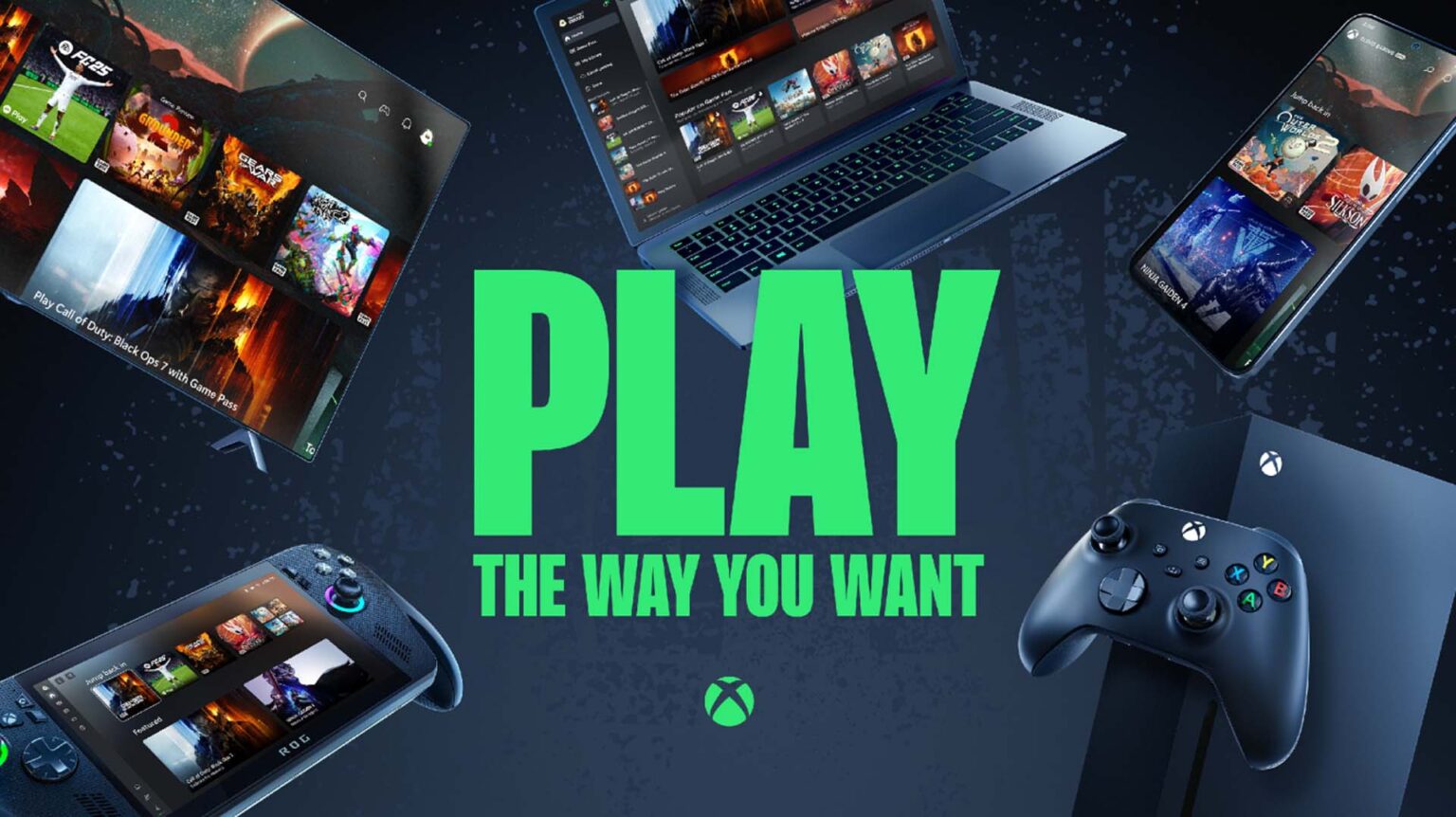
Microsoft is testing pay-as-you-go cloud playtime with Xbox Insiders who do not have Game Pass. The preview has three launch prices and a November wider rollout target, but eligibility and game support still vary by market and device.
Microsoft is testing cloud playtime without a Game Pass subscription
Xbox Insiders can now test a new way to stream games by purchasing cloud playtime without an active Game Pass subscription. Xbox Wire announced the preview on October 21 and said the feature would be tested with Insiders before a broader rollout in November. This is a preview, not a finished global launch, so account eligibility, supported games, and device access can vary.
The key idea is a time pack: a player buys a set number of streaming hours and uses them when playing supported cloud titles. Microsoft says the packs are ad-free, offer shorter wait times and high-quality streaming, and remain available until used. That makes the offer different from a monthly subscription, although players still need a supported device and access to a cloud-playable game.
The launch prices are $3.99 for 10 hours, $7.99 for 25 hours, and $11.99 for 50 hours. Those are introductory prices listed for the Insider preview. Microsoft cautions that purchasing options and availability may vary by market, device, account eligibility, and preview ring, so players should check the Xbox app or console store for their local price.
How the three launch packs compare
The 10-hour pack works out to about 40 cents per hour at the listed $3.99 price. The 25-hour option is roughly 32 cents per hour at $7.99, while the 50-hour pack is about 24 cents per hour at $11.99. That makes the larger pack cheaper per hour at the introductory rates, but it also asks you to pay more upfront and should only be attractive if you expect to use the time.
A simple comparison can help players decide. If you only want to stream a short game session while traveling, the smallest pack limits the initial spend. If you regularly play cloud games and do not want a monthly subscription, the larger pack may offer better value per hour. Your actual experience will also depend on connection quality, waiting time, and whether the game you want is supported in your market.
Do not compare the preview price directly with every Game Pass tier without checking what each product includes. A subscription can include a rotating catalog and other benefits, while a playtime pack gives a fixed number of streaming hours and does not automatically provide a game license. Microsoft’s footnote says players need a cloud-playable game purchase or, for select free-to-play games, access through the free-to-play path.
Who can use the preview—and what you need to stream
The October preview is for Xbox Insiders who do not have an active Game Pass subscription. Microsoft directs interested players to join the Xbox Insider Program through the Insider Hub on Xbox Series X|S, Xbox One, or Windows PC. Joining the program does not guarantee that every account will see the feature immediately, because Microsoft notes that access can depend on market, account, device, and preview ring.
You also need a supported device and a game that can be played through the cloud. The Xbox Wire announcement says availability and eligible games may vary. A game being available on the Xbox store does not necessarily mean it can be streamed on every device or in every country. Check the cloud-play symbol and current Xbox listing before buying hours for a specific title.
Internet quality still matters. Cloud gaming sends video to your screen while your inputs travel back to a remote system. A stable connection and compatible device can make the experience smoother, but players should test their own setup before purchasing a larger pack. If your home connection is shared or you play over mobile data, check any data caps and network costs first.
A pay-as-you-go option changes the choice, not every requirement
Until now, many players have associated Xbox Cloud Gaming with a Game Pass subscription. The new test introduces a separate way to pay for streaming time, which may suit people who play occasionally or want to try cloud gaming without maintaining a monthly plan. Microsoft also says Insiders can try a free cloud option with ads, creating another route for eligible players to explore the service.
This does not make cloud gaming entirely subscription-free in every case. Players need a supported game purchase or access to a select free-to-play title, and the feature requires compatible hardware and network access. Some games may remain unavailable through the cloud, and some account or market combinations may not see the playtime packs during the preview.
The choice is therefore about how often you stream and what you already own. If you play a few hours each month, a time pack could be easier to understand than paying for a full month of a larger service. If you use the catalog, online features, or other subscription benefits, a membership may still make more sense. Compare the real features you use rather than only the hourly arithmetic.
What is still unknown about the broader rollout
Microsoft says the Insider preview comes before a broader rollout in November, but the announcement does not give a precise public release day. It also does not promise that the introductory prices will remain unchanged when the feature expands. Treat the rates as current preview pricing, not a permanent price list for every country.
The company has not provided one universal list of supported games, devices, or countries in the short announcement. Its eligibility footnote explicitly warns that availability, purchasing options, eligible games, and cloud features may vary by market, device, account eligibility, and preview ring. The live Xbox store or cloud library is the practical reference for your account.
It is also too early to know whether the packs will change how people choose Game Pass over buying individual games. The preview is designed to gather feedback, and Microsoft may alter the user experience after testing. Players can share feedback through the Xbox Insider channels, which gives the company evidence about usage, pricing clarity, and connection problems before the feature reaches more accounts.
A quick checklist before buying streaming hours
First, confirm whether your account is eligible for the Insider preview and whether the pack appears in your region. Next, check that the game you want is cloud playable and that your device is supported. Then compare the hourly pack cost with your real monthly usage, remembering that the pack does not automatically include a game purchase or every Game Pass benefit.
If you decide to test it, start with the smallest pack and a short session on the network you normally use. Notice how long it takes to connect, whether the picture remains clear, and whether input delay feels comfortable for your genre. A slower story game may feel fine on a connection where a competitive shooter does not. Your own trial is more useful than assuming one network review applies everywhere.
Xbox Cloud Playtime is an interesting experiment because it gives players another way to pay for remote play. The 10-, 25-, and 50-hour packs are easy to compare, but the real value depends on game access, local availability, and how much you stream. Watch for Microsoft’s November rollout details before treating the preview as a universal alternative to Game Pass.
CHECK THE ORIGINALS.
Facts and update details above are based on these official sources. Details can change as the game is updated.
- Cloud Playtime Now Available to Test with Xbox Insiders ↗Xbox Wire / Microsoft
- Xbox Insider Program ↗Xbox Support
Loading comments…